If you don’t know PopClip, it’s a cool macOS app which pops up when you select text in any app.
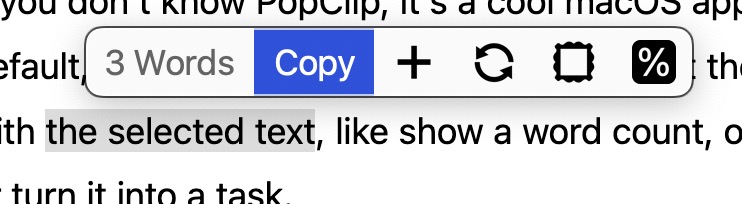
By default, it just lets you Cut / Copy / Paste. But the power is that you can extend it to do almost anything with the selected text, like show a word count, or change the case of the text, or copy it as markdown, or turn it into a task in another app.
I often want to see what a webpage looked like in the past, for which I use the Internet Archive’s Wayback Machine. In order to shortcut the process, I made this very simple PopClip extension which sends you to the Wayback Machine’s index page showing the timeline of captures for any highlighted URL:
#popclip
name: Wayback Machine
icon: square filled symbol:building.columns
requirements: [url]
javascript: popclip.openUrl("https://web.archive.org/web/*/" + popclip.input.text)
If you have PopClip, you can install it simply by highlighting the text above and clicking ‘Install Extension “Wayback Machine”‘.